
How to Install the APK
- Tap the download button above and wait for the 960.2 MB file to finish.
- Allow installs from your browser or file manager if Android asks (Settings, Apps, Special access, Install unknown apps).
- Open the file from your Downloads folder and tap Install.
- Launch the game, let it finish the first resource check, and sign in.
Already have Flash installed? Install the new file over the old one. Your progress is saved to your account, so nothing is lost.
Before You Play
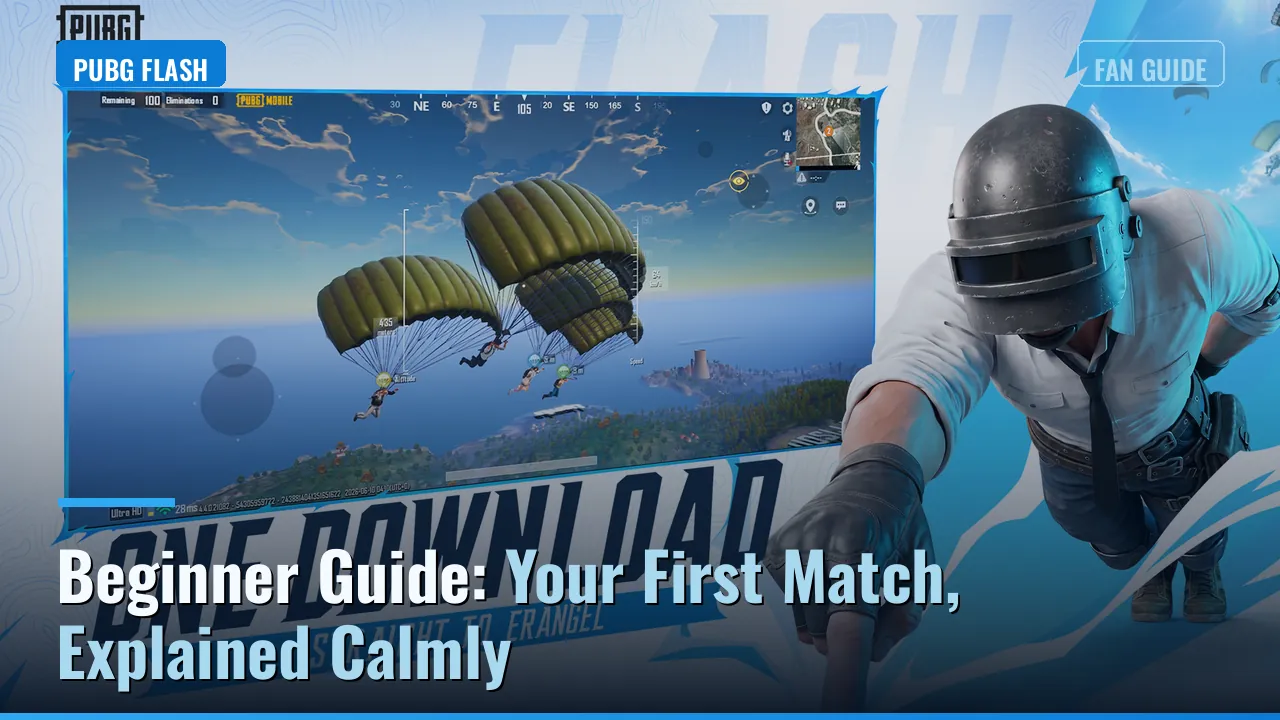
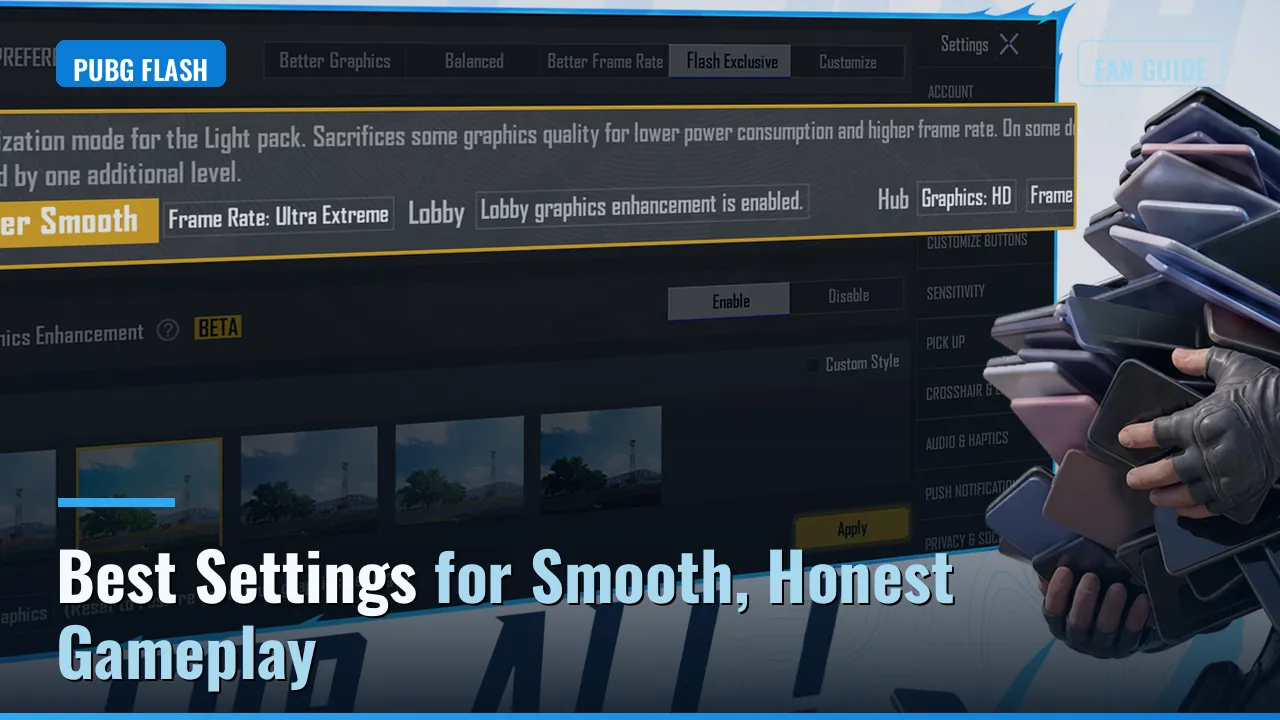
Keep about 2 GB free for first launch resources and use Wi-Fi for the download. Then set yourself up with our best settings guide and the beginner guide, and if your phone has 2 or 3 GB of RAM, read the low end phone guide first.